
Honeycomb Maps Databricks App
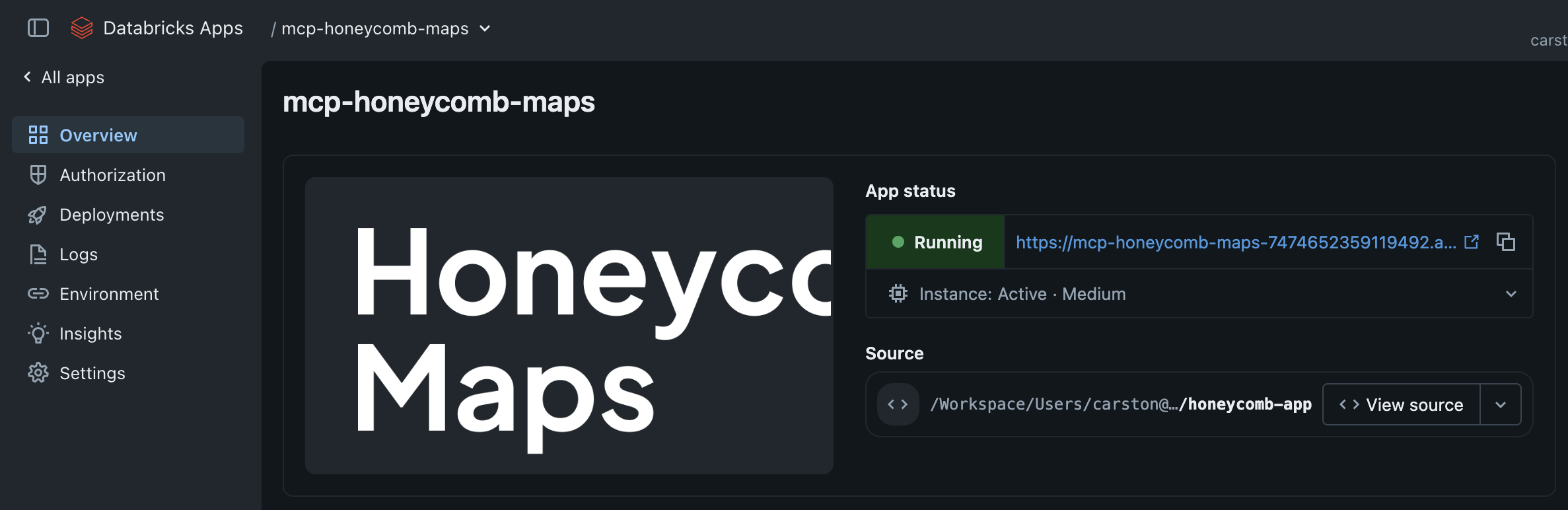
The Honeycomb Maps Databricks App allows you to install Honeycomb Maps directly into your Databricks instance, using Databricks Apps.
Installing Honeycomb directly into your Databricks workspace has the following benefits:
- Data never leaves the Databricks security perimeter
- Honeycomb is tightly integrated with Databricks features, including Unity Catalog, Spatial SQL, the GEOGRAPHY data type, and Lakebase Postgres.
- Enterprise SSO works out-of-the box. User access to data is governed by existing RBAC and Unity Catalog permissions
Architecture overview
The Honeycomb Databricks App involves the following components:
Databricks App
Users access the Honeycomb Maps application at a URL provided by Databricks. This URL is specific to each Databricks workspace, and is completely separate from the application hosted at app.honeycombmaps.com.
The Databricks App serves frontend assets at a URL assigned by Databricks. Access to this URL goes through a Databricks-managed reverse proxy which handles authentication (SSO).
Lakebase database
A Lakebase instance stores metadata from the application, including map configurations and sharing settings. Data is stored in Lakebase (Postgres) tables.
MCP Server
The Databricks App also functions as a Model Context Protocol (MCP) server. This allows AI tools, including Databricks Genie, to connect to and utilize Honeycomb.
Unity Catalog
Users may upload geospatial data files to Honeycomb. These are stored in a Unity Catalog volume.